
How to Wipe Your Laptop Before Selling It
Laptops Buyers Team
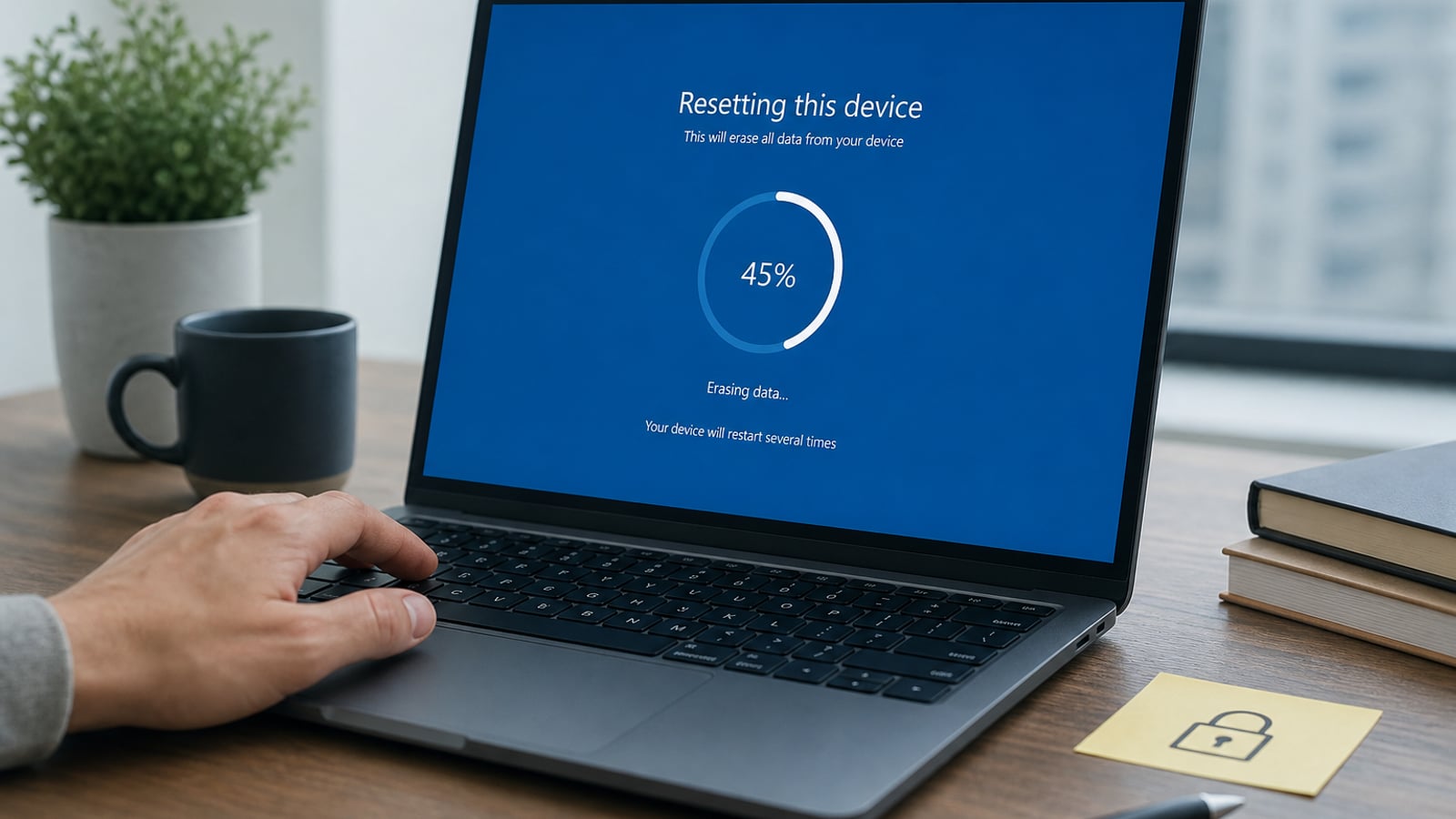
Knowing how to wipe your laptop before selling it protects your email, photos, work files, and saved passwords. Do the wipe after you have a quote queued — start on our laptop buyback page so you are not stuck mid-reset without a plan to sell.
Below is a practical seller checklist for Windows PCs, plus Mac notes and what buyers like Laptops Buyers expect on intake.
Before you wipe: backup
- Copy Documents, Desktop, Downloads, and Photos to an external drive or cloud.
- Export browser bookmarks and 2FA recovery codes.
- Deauthorize Adobe, iTunes, or other license-limited apps if needed.
- Sign out of work/school MDM if your IT admin requires it (business devices).
Windows: factory reset (recommended path)
- Open Settings → System → Recovery (Windows 11) or Update & Security → Recovery (Windows 10).
- Choose Reset this PC.
- Select Remove everything.
- Prefer Local reinstall if online reinstall is slow; use cloud reinstall if local media is corrupted.
- When asked, choose the more thorough clean option if available (takes longer, better for resale).
- Complete setup only far enough to confirm the PC boots to the initial out-of-box screens — do not sign into your Microsoft account again.
If reset fails (no boot), disclose that on the quote. We can still evaluate many non-working units; just do not ship a drive that still contains unencrypted personal data if you can avoid it — remove the SSD when possible and destroy / keep it.
Mac notes (brief)
On Apple silicon / modern macOS: sign out of iCloud, turn off Find My, then Erase All Content and Settings (or Disk Utility erase + reinstall). Activation Lock must be off before buyback. Full MacBook flow: MacBook buyback.
Accounts and locks to remove
- Microsoft / Google / Apple ID
- BitLocker keys — ensure the device is unlocked or decrypted before reset if you still need access
- BIOS / firmware passwords
- Fingerprint / face login enrollments (cleared by proper reset)
Do buyers wipe again?
Responsible buyback shops re-image or wipe again before resale. Your factory reset is still essential: it removes your cloud sessions immediately and shows good-faith preparation. We treat data privacy as part of trust — never reuse seller accounts.
After the wipe
Pack the laptop (and charger), complete your quote, and choose Beltsville drop-off, pickup, or free shipping on approved orders. Address: 5000 Sunnyside Avenue, Suite 300, Beltsville, MD 20705.
Bottom line
Wipe before you sell: backup → remove accounts → factory reset → confirm boot → hand off. Then finish your cash quote on our laptop buyback page with confidence.
Related buyback pages
Continue with the next step
Written by
Laptops Buyers Team
We've been helping people sell their used electronics for the best price since 2021.